Curious if one simple link can change the way you sell online?
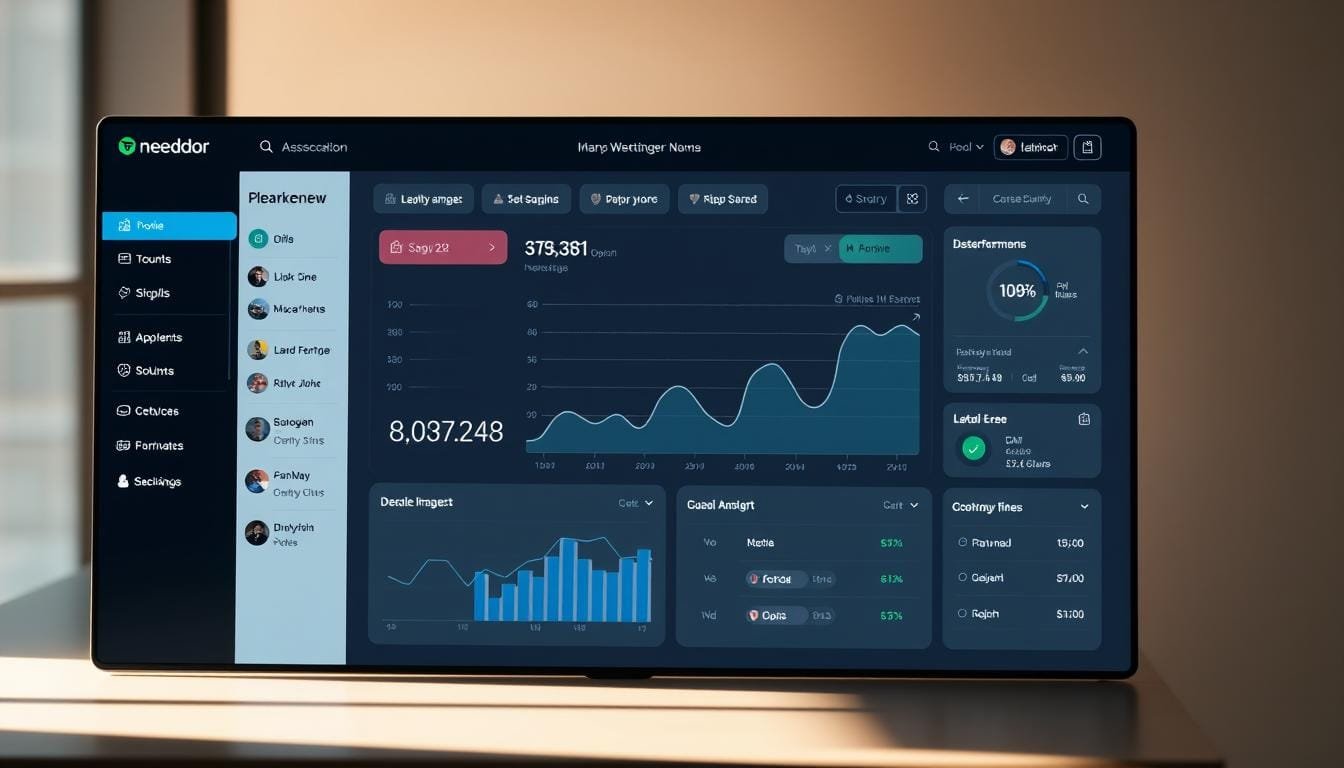
OfferLab is a fresh platform built for creators and small businesses that removes tech barriers and speeds revenue. You sign in via email with a quick 6-digit code and land on a clear dashboard that highlights Home, Sell (Vault, Funnels, Orders), Marketplace, Messages, Insights, and Profile.
The system handles tracking, delivery, and instant Stripe payouts so you focus on marketing and sales. A single checkout link can sell multiple offers through one funnel, and collaboration tools connect you with other creators for fast growth.
This piece guides your path from free account setup to a live funnel that can earn on day one. You’ll see key features, practical checklists, and why Russell Brunson’s vision makes this platform a timely solution in digital marketing today.
Key Takeaways
- You can join via email and reach the Home dashboard instantly.
- The platform removes delivery and payout headaches with instant Stripe payouts.
- One checkout link and smart funnel flow let you sell multiple offers smoothly.
- Collaboration-first design helps you tap creators and partner audiences fast.
- Practical steps and checklists guide you from signup to launch with clarity.
Why OfferLab Is the Smartest Way to Build and Grow Online in today’s AI Environment
A collaboration-first platform lets you mix products with partners, automate splits, and launch quickly.
OfferLab works as a marketplace and funnel builder that helps creators and affiliates combine offers into multi-product funnels. The CoLab Library supplies templates and ready-to-promote products so you spend more time on marketing and less on setup.
The platform’s drag-and-drop tools handle funnel assembly, automated tracking, and transparent commission splitting. That means delivery and payouts happen without extra plugins, and instant Stripe payouts keep cash flowing.
Russell Brunson’s vision matters because it layers collaboration onto your current website or funnel builder. You keep your stack—ClickFunnels, WordPress, Kartra, or HighLevel—and add shared funnels that lift average order value and conversion.
What collaborative funnels unlock
- Faster market launches using templates and shared products.
- Automatic commission splits so partners earn immediately.
- Built-in tracking and delivery that replace manual work.
How to start a microbusiness with OfferLab
Getting started is fast and designed so you can sell without tech headaches.
Sign up with your name and email, enter the 6-digit code from the security message, and you’ll land on the Home dashboard in seconds. From there, a clear left menu guides you to Sell, Marketplace, Messages, Insights, and Profile.
Create your free account and access Home
Step one is a simple setup: register, confirm via email, and enter the code to unlock the Home view. This passwordless flow gets you working fast.
Connect Stripe for instant payouts
Next, open Settings > Payments and connect Stripe. Once connected, you and partners receive instant payouts after each sale.
Tour the dashboard for daily workflow
Visit Sell to manage Vault, Funnels, and Orders. Use Marketplace to find partners and products. Check Messages for approvals and Insights for performance.
- Step 1: create account, verify email, enter 6-digit code.
- Step 2: complete Stripe setup so payouts hit your bank instantly.
- Step 3: map your first funnel in Funnels and add offers from the Vault.
By the end of this short setup you’ll be ready to use OfferLab, invite creators, and focus on marketing your first product and funnel.
Set Up Your First Offer and Product in the Vault
In the Vault you turn products into offers that can be priced, shared, and tracked across funnels and partners.
Offer vs. product: what customers receive
Your offer is the sellable package. It bundles copy, images, pricing, and the sales page. The product is the actual deliverable with a secure delivery URL the customer gets after purchase.
In Sell > Vault click Create offer and follow the wizard: name the offer, pick Digital, attach the product and its Delivery URL, then set simple pricing (example: $47).
Simple pricing, default commissions, and status
After creation, set a default partner commission so collaborators see earnings clearly. Toggle Offer Status between Draft and Published to edit safely and only launch when ready.
Owners can manage sales page settings, edit pricing, and adjust the commission split before the offer goes live on the platform.
Import or add products from popular stacks
Import products from ClickFunnels or Shopify or add them from scratch. Use templates and clear descriptions so creators and owners approve offers faster in the Marketplace.
This step plugs your product into the funnel so pricing, commission, and delivery work automatically at checkout.
- Create offer (Sell > Vault), choose Digital, attach Delivery URL.
- Set simple pricing and a default commission for partners.
- Use imports or templates to speed setup and connect your funnel.
Use the Marketplace to Find Complementary Products and Collaborators
Find partners who fit your audience and pick products that add clear value.
Browse the marketplace by niche or type. Click “Promote this offer” and send a short, friendly Request to collab message. After approval, you can include partner products in your funnels and bundle them with your offer.

Discover, request, and get approved
Follow a simple step: search, click promote, write a one-paragraph intro, then wait for creator approval. Clear messages speed greenlights.
Choose complementary products for higher AOV
Select items that match audience needs, price range, and promise. Use upsells, downsells, and order bumps to lift average order value without confusing buyers.
| Criteria | What to check | Why it matters |
|---|---|---|
| Niche fit | Audience overlap | Better conversions |
| Pricing | Anchor and bundle value | Higher AOV |
| Commission | Affiliate split clarity | Long-term partnerships |
- Balance your offer and partner products so the bundle feels cohesive.
- Use polite affiliate etiquette to build trust with creators.
- OfferLab helps you add collaborators fast and scale your stack.
Build Your Funnel Stack and Set Automated Commission Splits
Assemble your sales stack visually and watch each piece fall into place in minutes.
In Sell > Funnels click Create new funnel and drag your Primary offer into place. Add partner items from the Offer Library as upsells, downsells, or order bumps. This visual canvas keeps every step clear.
Drag-and-drop your Primary offer, upsells, downsells, and order bumps
Arrange your funnel so buyers move logically from the main offer to complementary products. Group items that raise perceived value without confusing the buyer.
Set bundle price, define partner commissions, and let OfferLab handle the math
Pick a bundle price that matches value and conversion goals. Define a simple commission split (example: 50/50) per product so collaborators see clear earnings. OfferLab computes payouts and records commissions automatically.
Publish for a single checkout link that delivers every product automatically
When ready, publish and generate one checkout link you can share anywhere. Payments process, each product delivers, and affiliate credits and splits happen without extra work.
“A clean setup prevents tech snags and keeps partners motivated.”
- Visual funnel assembly for fast setup and clear flow.
- Transparent commission settings so partners trust the split.
- One checkout link that streamlines buying and delivery.
Launch and Promote: Share One Link Everywhere
Once live, that one checkout link will unify sales across your site, landing pages, and ad campaigns.
After publishing, copy your unique checkout link from Sell > Funnels. Embed that link on your website, ClickFunnels pages, or GoHighLevel pages so every CTA sends buyers to the same secure checkout.

Add your OfferLab checkout to your website, funnels, and HighLevel pages
Place buttons, hero CTAs, and product pages that point directly at the checkout link. This keeps funnels consistent and reduces confusion at purchase time.
Promote via email, social, and paid ads with prewritten templates
Use the provided templates for email and social posts to save time and preserve clear messaging. Customize subject lines and visuals, then schedule preview, launch day, and follow-up sequences.
- One link for all placements keeps tracking clean.
- Customize templates for email and ad copy so your marketing stays on brand.
- Invite affiliates to share that same link so their traffic maps back and splits pay out automatically.
“Using one consolidated link makes promotion faster and reporting simpler.”
Plan a repeatable promo calendar and refresh angles every few weeks. Small timing tweaks often lift conversion rates and keep products moving with minimal extra time.
Track Sales, Commissions, and Payouts in Real Time
Real-time insights let you watch each transaction as it posts and spot trends that matter.
Your dashboard keeps Orders and Insights front and center. Use Orders for every transaction log and Insights for EPC, AOV, and conversion data. This gives clear information you can act on without digging through spreadsheets.
Orders and Insights: EPC, AOV, conversion data in your dashboard
Open Sell > Orders to review each sale and customer delivery. Insights shows revenue per click (EPC), average order value (AOV), and step-by-step funnel conversion rates. Those data points reveal quick wins and bottlenecks.
Automated delivery, transparent splits, instant Stripe payouts
The platform processes payments, delivers products automatically, and records commission splits instantly. Payments route through Stripe and payouts hit connected accounts right after checkout. Everyone can verify earnings without manual reconciliation.
Optimize funnels with data-backed tweaks
Use this tracking information to test headlines, pricing, and order bumps. Small changes often lift conversion and sales. Check these tools weekly so your funnel stays healthy and scales.
| Report | What it shows | Action |
|---|---|---|
| Orders | Sale time, customer, products, commission | Confirm delivery and reconcile payouts |
| Insights | EPC, AOV, conversion by step | Adjust page copy and upsell order |
| Payments & Payouts | Stripe status, payout time, split amounts | Resolve failed payments, track cash flow |
“Use live metrics to turn data into better marketing and faster growth.”
Want a deeper look at the platform and roadmap? Read a detailed review for more context.
Pricing, Features, and How OfferLab Fits Your Stack
Pricing is simple: join for free and pay only when a sale happens.
OfferLab uses a transparent per-transaction fee so you only incur costs when revenue arrives. Public sources list a flat 3% + $0.30 per sale model. That makes budgeting predictable and removes upfront platform risk for product owners and affiliates.
Free entry, clear fees
Free to join and pay per sale keeps barriers low. You keep profits until a transaction completes, and fee details appear on each order for full clarity.
Works with your existing tools
Embed the single checkout link on ClickFunnels, WordPress, Kartra, or HighLevel pages. The platform fits alongside your funnel builder and website without migration.
Payments, marketplace, and forecasting
Stripe integration handles payments and instant splits. The Marketplace connects owners and affiliates so products and offers gain visibility quickly.
- Pricing: free signup, pay-on-sale model (3% + $0.30 typical).
- Features: single checkout link, automated revenue splits, real-time Insights.
- Platform fit: works with ClickFunnels, WordPress, Kartra, and HighLevel.
“A predictable fee and easy integration mean less tech work and more focus on growth.”
Conclusion
Finish strong: publish one checkout link and let the platform automate delivery, tracking, commissions, and payouts so you spend time on marketing and sales.
You now see how OfferLab works end to end: build a collaborative funnel stack, add complementary offers and products, and publish a single funnel that processes each sale instantly.
This setup helps affiliates and creators win together. Affiliates bring traffic, creators provide value, and transparent commissions keep everyone aligned. Customers get instant access and clean payments every time.
Sign OfferLab free, create your first stack, and share the checkout link widely. In short time you can turn one offer into recurring revenue and scale with data from real-time Insights. Visit https://cutt.ly/JoinOfferLab.